Please ensure Javascript is enabled for purposes of website accessibility

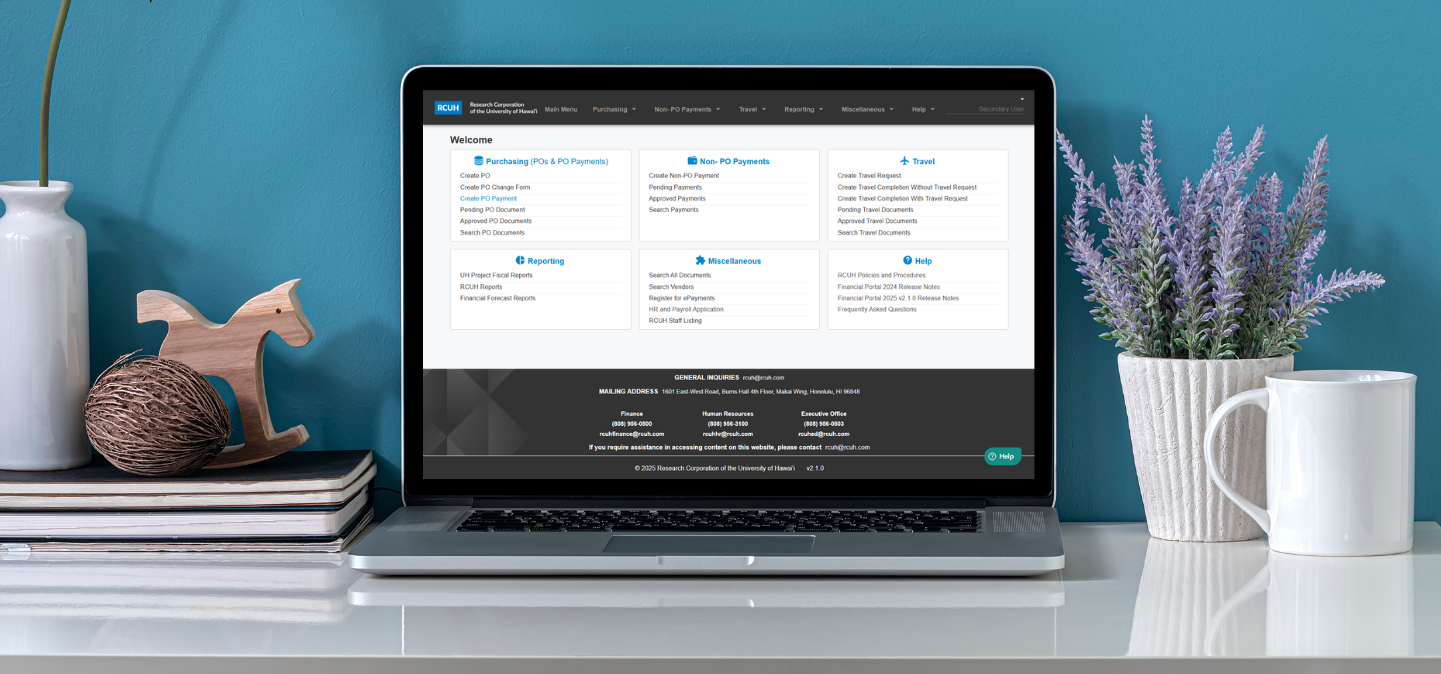
Laptop with Financial Portal Dashboard on display

  • Financial Portal Guide
  • HR Portal Guide

The RCUH Financial Portal is accessible to those who need to create, process, review, or approve financial transactions. To learn more about the Financial Portal, view the User Guide and Frequently Asked Questions in the Help section of the Financial Portal main menu.

Important Resources for Financial Portal

  • Financial Portal Access Form
    • Form used to request access, delegate authority to secondary users
  • Financial Portal Reports available in RCUH Financial Portal (e.g., Budget Status Report, Financial Forecast Report, Detail of Cost Report)


Daily Processing Schedule

  • 7:00 a.m. HST - Reverse FREDI Transmission (KFS to RCUH)
  • 10:00 a.m. HST - KFS Extramural Account Updates in RCUH Financial Portal
  • 4:00 p.m. HST - Deadline for payment approval (2:00 p.m. on last business day of month)
  • 6:00 p.m. HST - FREDI Transmission (RCUH to KFS)
  • 8:00 p.m. HST - KFS Daily Batch Processing (RCUH transactions posted to KFS)

Questions?

Contact [email protected] for assistance with the RCUH Financial Portal.

HR Portal Guide

As a Fiscal Administrator (FA), you may need access to the RCUH HR Portal if your project hires RCUH employees. FAs for UH service-ordered projects must approve all requests for access to the HR Portal, as well as personnel actions that have fiscal implications. Learn more about:


Questions?

Contact [email protected] for assistance with the RCUH HR Portal.

Help Us Improve!

Share your thoughts to make us better!

(0/100)
I'm not a robot (Google reCAPTCHA)